⌖01
Your route
Android Auto navigation and spoken directions through your factory infotainment system.
Navigation pusicar
License
pusicar
License
YOUR PHONE. YOUR CAR.
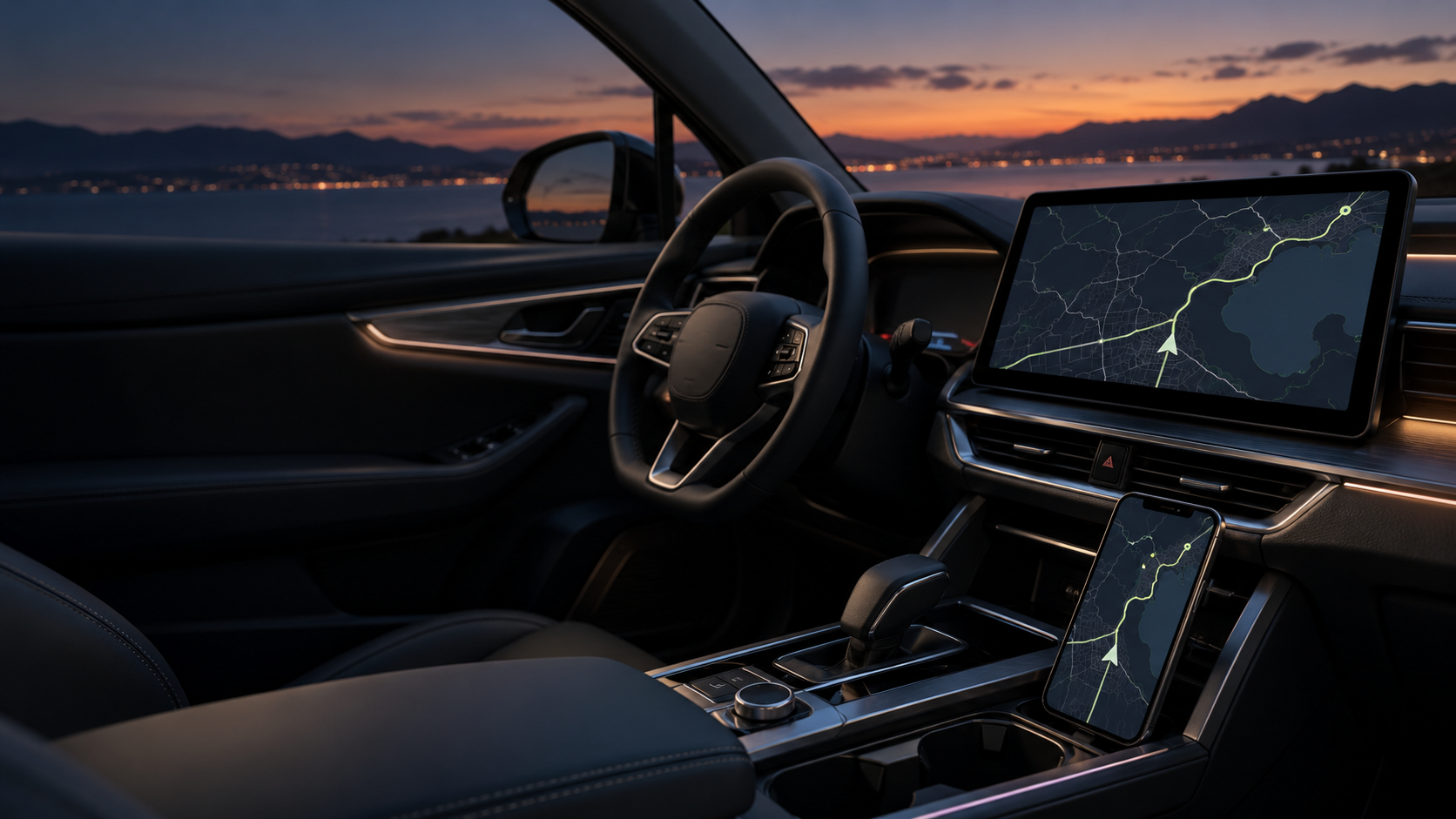
Android Auto on your factory CarLife display. Navigation, music and calls, all part of your everyday drive.
 PHONE MEETS CAR.
01 / FEATURES
Your phone runs the apps.
Your car provides the big screen.
Android Auto navigation and spoken directions through your factory infotainment system.
NavigationAndroid Auto music apps and playback through your car’s audio system.
MusicPhone calls use your car’s native Bluetooth connection, independently of screen projection.
Bluetooth callsGemini and the car microphone are being configured and tested. Availability depends on the app build and infotainment system.
02 / SETUP
Complete the initial setup
while your car is parked.
Install the Pusicar APK on your Android phone. Follow the app’s prompts and grant the requested permissions.
Select CarLife on your car’s display and connect your phone with a data-capable USB cable.
Check the picture, touch controls and sound. For calls, pair your phone with the car separately via Bluetooth.
After checking compatibility, get your device code from the app. Your license is tied to your phone.
03 / COMPATIBILITY
The project’s primary configuration is the Honda e:NS1 with CarLife. Other vehicles require a separate compatibility check.
Connect your Android phone and test the picture, touch controls, music and calls in demo mode. Results depend on your phone and infotainment versions.
This app is not designed for iPhone.
04 / LICENSE
Check the connection in your car.
Then activate the app on your phone.
demo mode
after projection starts
Online payment is not available yet. Check compatibility in demo mode first.
05 / FAQ
The app is designed for factory systems with CarLife. The primary project configuration is the Honda e:NS1. Check your specific system’s compatibility before buying.
The current setup connects your phone to CarLife via USB. Calls use a separate Bluetooth connection between the phone and the car.
The voice assistant and car microphone are still being tested. You should not choose the app solely for this feature at this stage.
The license is device-bound. A license file for one phone will not activate the app on another. Transfer terms must be agreed separately.
Check that your USB cable supports data transfer, reconnect while parked and save the app log. Diagnostic builds include detailed logging.
No. This is an independent project. Honda, Android Auto and CarLife are used to describe compatibility and belong to their respective owners.
06 / IN DEVELOPMENT
We are developing a dedicated Pusicar device to bring vehicle cameras, sensors and video connectivity together.
Connect compatible wireless cameras.
Surround-view cameras to assist with parking.
Additional sensors to monitor the distance to obstacles.
Stream video when an internet connection is available.
Record footage from cameras around the vehicle.
These are planned capabilities of a future device. Specifications, compatibility, pricing and a release date will be announced after testing.
07 / IN DEVELOPMENT
We are preparing email-based activation and app updates without manually transferring a licence file.
This feature is being prepared for launch and requires an app version with online activation support.
The app will link a request to your phone and show its reference number.
We will verify the payment and approve the request using your email and device ID.
A compatible app version will retrieve the licence automatically when connected to the internet.
The app will check our website for updates. Android may ask you to confirm installation.

08 / THE TEAM
Founder and Director
Pusicar is an independent automotive technology project. We are developing a phone-to-CarLife app and a dedicated device for cameras and sensors.
Leave the complicated
stuff under the hood.